Upload the poster with the old date
JPG, PNG, WebP or HEIC from iPhone. A straight-on photo works best — the date has to be readable.

Event moved a week, sale extended a day, festival rescheduled? Upload the poster you already have, describe the new date, and the model redraws those characters instead of the whole layout.
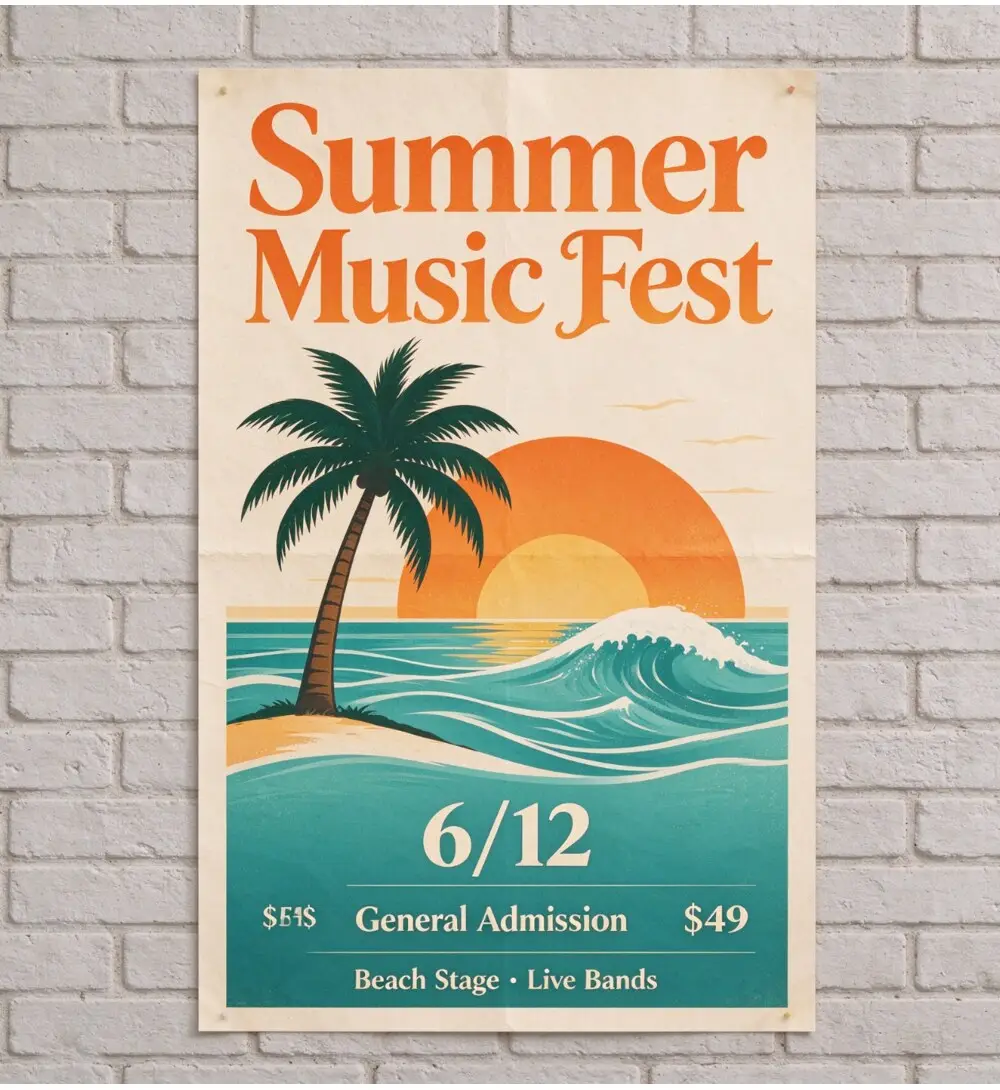
Before
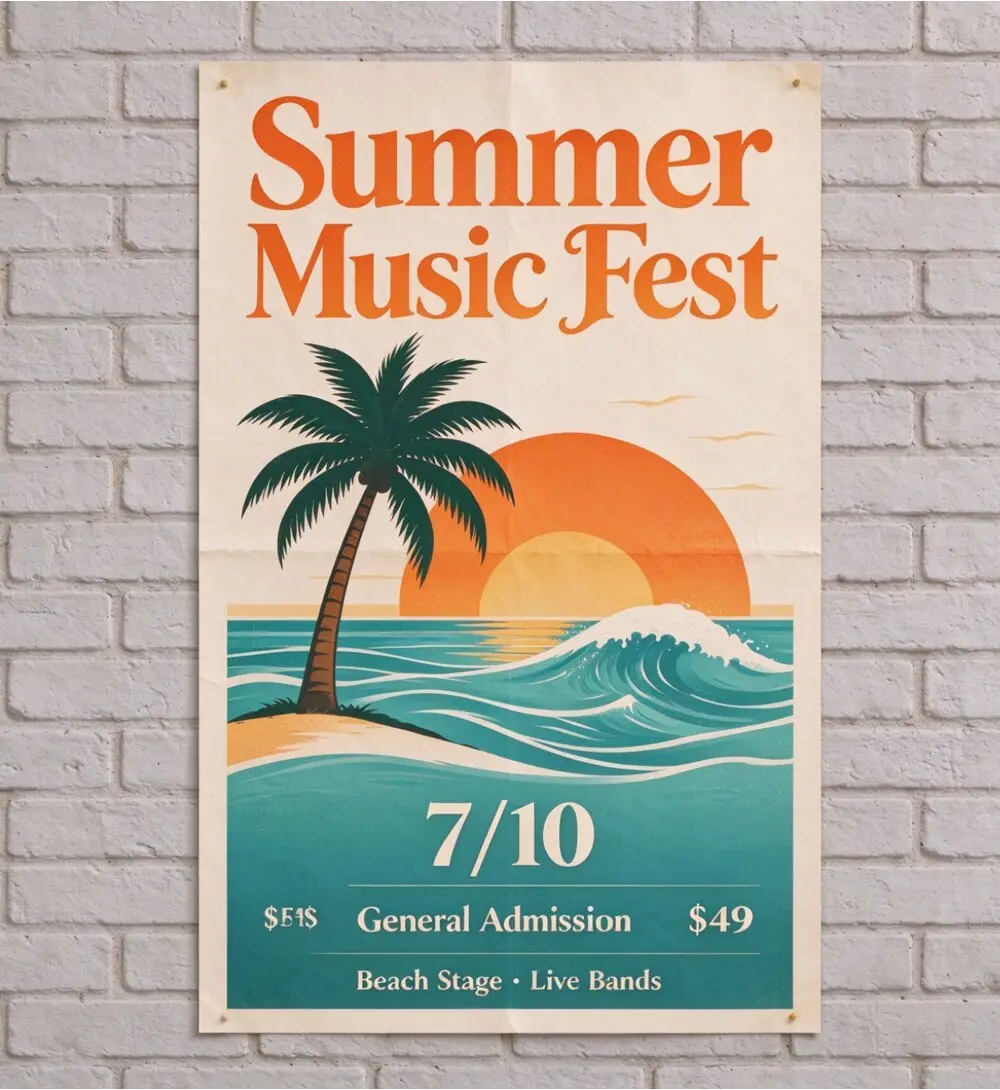
After
JPG, PNG, WebP or HEIC from iPhone. A straight-on photo works best — the date has to be readable.
One sentence is enough: “change June 12 to July 10”. Naming the old date helps the model focus on that date.
The date characters are redrawn while aiming to preserve the title, artwork and footer. Your free edit comes with a new account.
The full list is on Capabilities & Limits.
Yes. Say which date to replace and what it becomes. The AI redraws those characters while aiming to preserve the headline, artwork and footer.
Do one task per place, naming each one — “change the date under the title”, then “change the small date at the bottom”. That keeps each edit predictable.
For plain poster type the match is close, because the model samples the surrounding letters. Decorative or hand-drawn numerals may look slightly different, so check the result at 100%.
JPG, PNG and WebP up to 10 MB. HEIC photos from iPhone are converted to PNG in your browser before upload. Each task keeps its own history, so you can upload the same poster again later.
More questions are answered in the FAQ, and pricing details are on the pricing page.
Changing a price, adding a headline or removing a caption works the same way: upload, describe, download.