Upload the image with the text
01JPG, PNG, WebP or HEIC from iPhone. Sharp, straight-on text gives the cleanest restyle.


Change the style of text in an image
The headline is too small, the price should be bolder, or the caption sits there in the wrong colour? Upload the image and describe the look you want — the wording and layout are kept while the lettering is restyled.
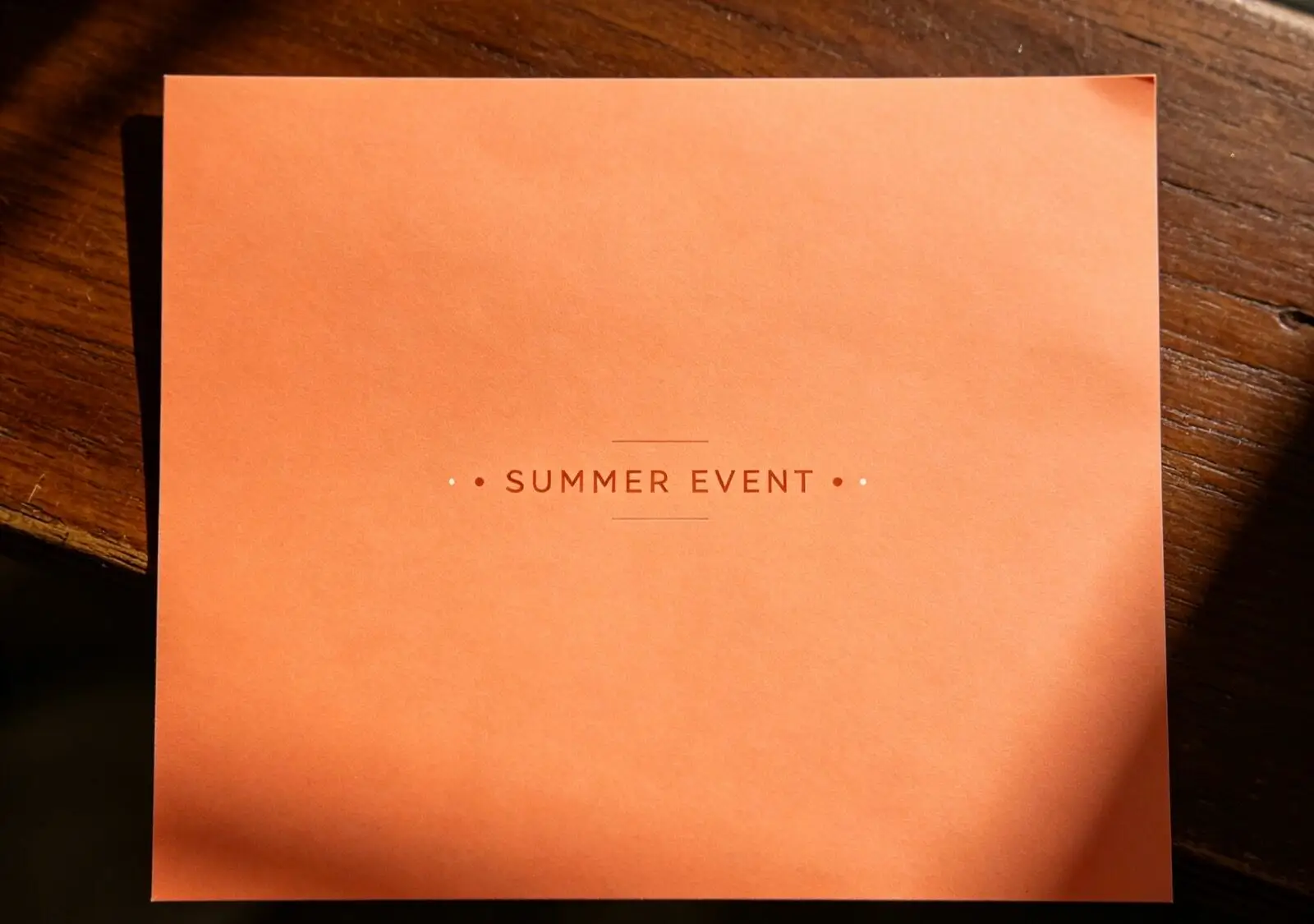
Before
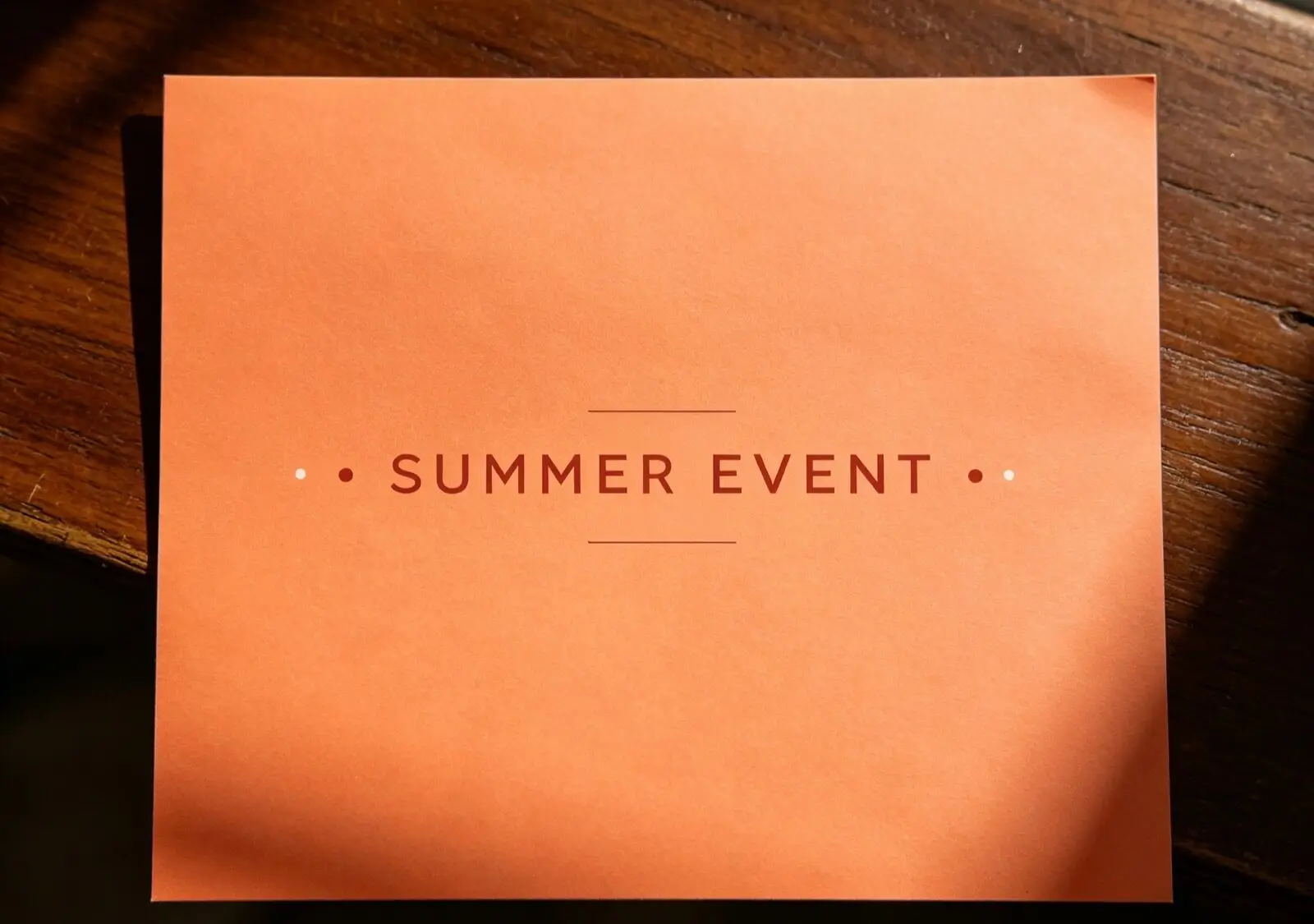
After
01
JPG, PNG, WebP or HEIC from iPhone. Sharp, straight-on text gives the cleanest restyle.
“enlarge SUMMER EVENT”, “make the price bold and dark blue”. Name the text and the change.
The lettering is repainted while aiming to preserve the words, photo and layout.
02
The full list is on Capabilities & Limits.
03
No. You describe the look, and the wording itself is not part of the change. If the text itself is wrong, use the text change instead.
Yes — say them together: “make the headline bold, dark green and slightly larger”. One task, one instruction.
On flat posters, pages and mockups, yes — the model aims to preserve the baseline, spacing and perspective. On curved or angled surfaces it is a best effort.
JPG, PNG and WebP up to 10 MB. HEIC from iPhone is converted to PNG in your browser before upload. Each task keeps its own history, so you can re-upload the same image later.
More questions are answered in the FAQ, and pricing details are on the pricing page.
Changing a date, a price or a name works the same way: upload, describe, download.