Upload the product photo or ad
JPG, PNG, WebP or HEIC from iPhone. The price has to be readable — a large square crop of the offer works best.


The price dropped for a sale, a bundle changed, or you are reselling in another currency? Upload the product shot you already have, describe the new price, and the model repaints those characters while aiming to preserve the packaging and background.
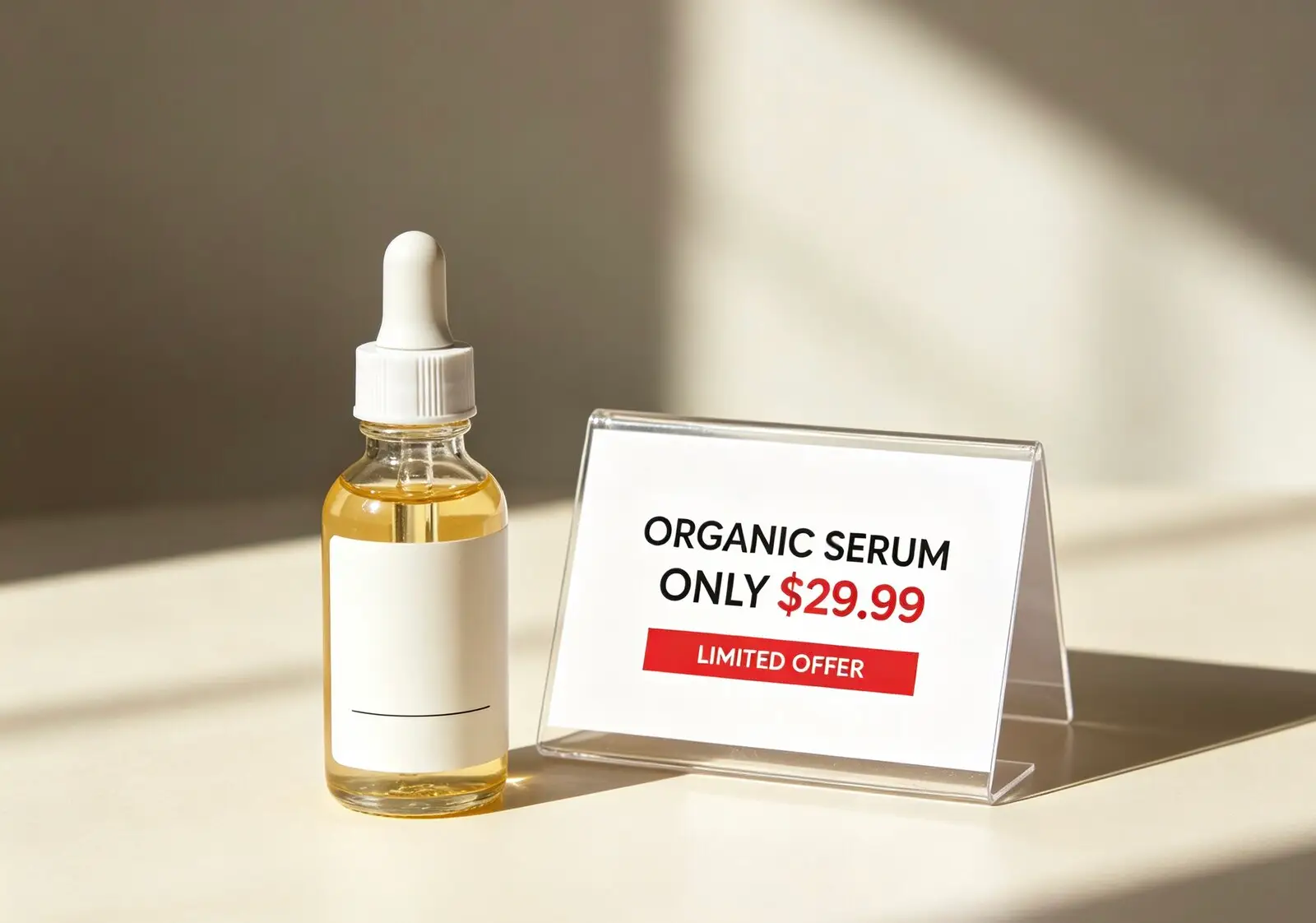
Before

After
JPG, PNG, WebP or HEIC from iPhone. The price has to be readable — a large square crop of the offer works best.
“change $29.99 to $19.99” or “change 70% OFF to 50% OFF”. Naming the old number helps the model focus on that figure.
The badge, price block and any strike-through price are repainted, with the packaging, shading and background kept visually consistent.
The full list is on Capabilities & Limits.
Yes. Name the old number and the new one. The AI repaints those characters while aiming to preserve the product, its shading and the background.
The number you name is redrawn. If both the old and the new price should move, do two tasks — “change the crossed-out 49 to 59”, then “change 39 to 49” — so each edit stays predictable.
The badge and highlight are part of the image, so the new numbers are painted over them rather than rebuilt. On plain badges that works well; on heavily textured ones check the result at 100%.
JPG, PNG and WebP up to 10 MB. HEIC from iPhone is converted to PNG in your browser before upload. Each task keeps its own history, so the same photo can be uploaded again later.
More questions are answered in the FAQ, and pricing details are on the pricing page.
Changing a date, adding a headline or removing a caption works the same way: upload, describe, download.