

THE PHOTOTEXTFIX JOURNAL
Practical Guides to Editing Images with AI
Articles, workflows and practical notes on changing text and objects in photos, screenshots, posters and product images.

Featured article · Edit Text in Images
How to Change a Café Name and Opening Hours on a Menu Photo
A dense café menu is a hard target for text edits. Here is how to swap the café name and the opening hours in one export while every other line stays exactly where it was.
5 min read · Published November 17, 2026
Read article →
Add Text to Photos
Adding Text to Photos: Copy That Stays Readable in a Thumbnail
How to add text to a photo without overloading it: pick the free area, follow the surface perspective, check contrast and test the type size on a phone.
4 min read · November 16, 2026
Read article →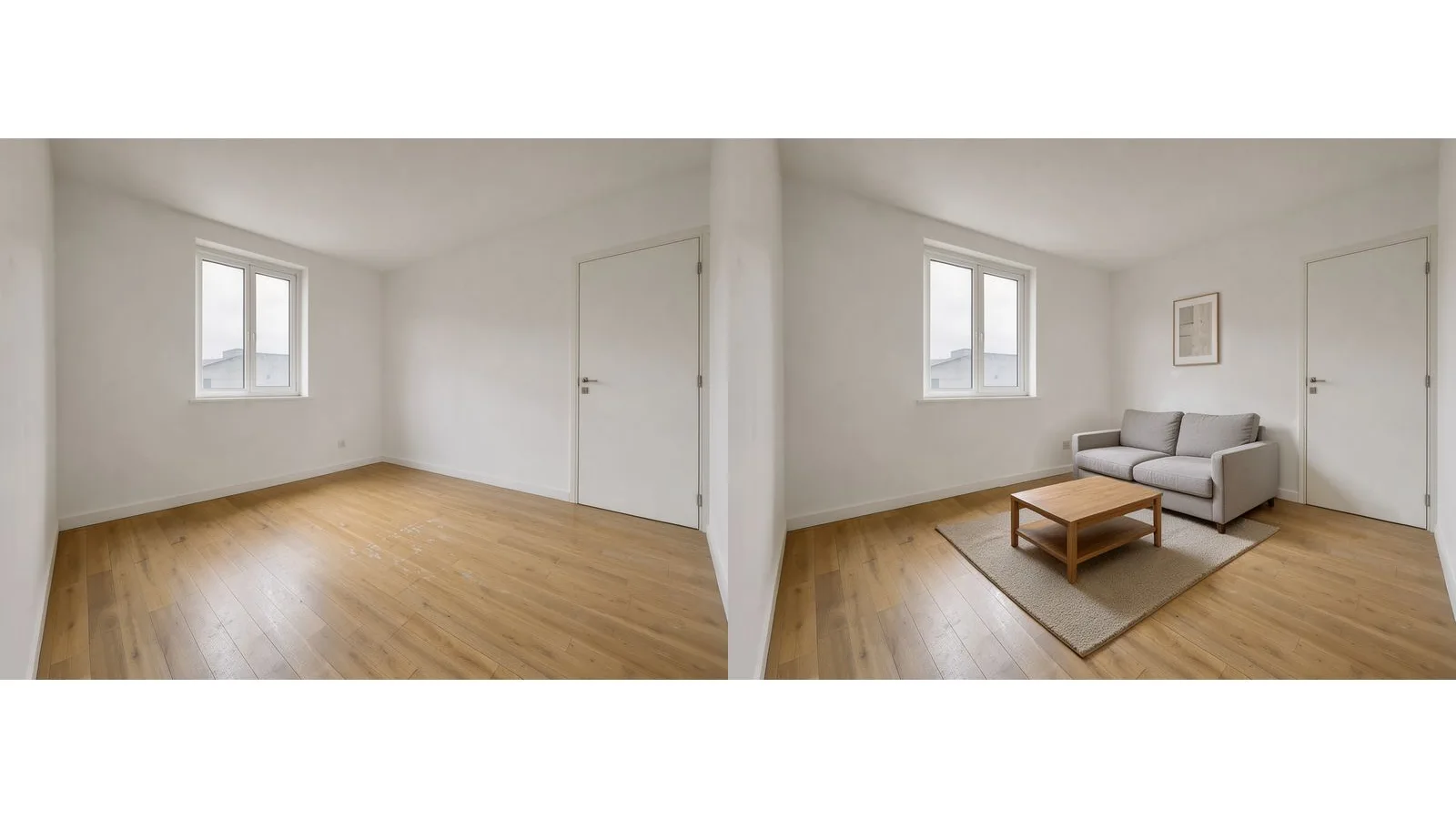
Object Editing & Photo Cleanup
AI Virtual Staging for Rental Listings: Where It Helps and Where It Misleads
Virtual staging can help renters read an empty room, but it can also imply furniture, views or space that are not there. A disclosure-first checklist.
4 min read · November 16, 2026
Read article →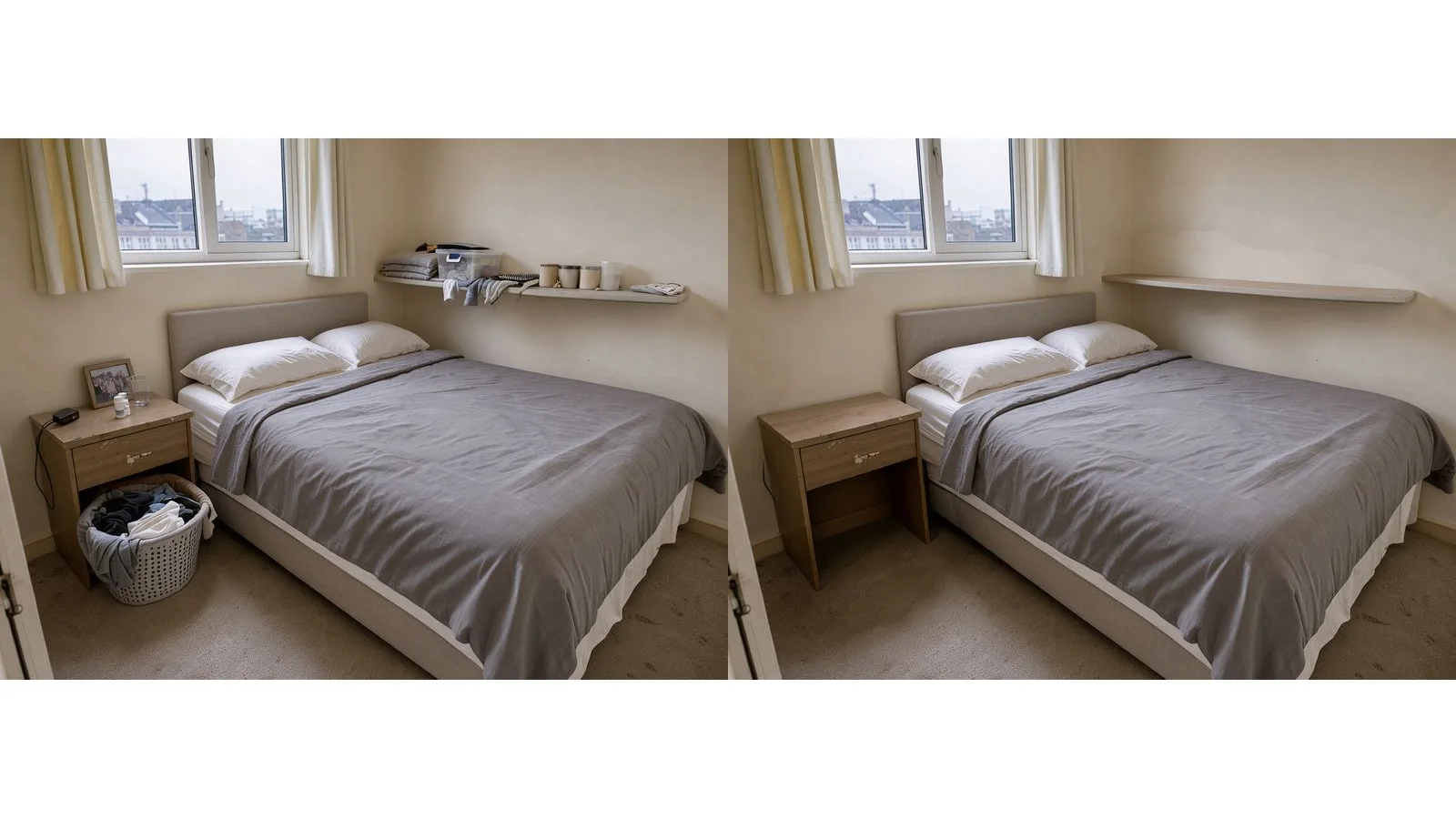
Object Editing & Photo Cleanup
Clearing Clutter from Rental Listing Photos: What to Remove and What to Keep
Which personal items can come out of a rental listing photo, which details must stay, and how to present a lived-in space without misrepresenting it.
4 min read · November 16, 2026
Read article →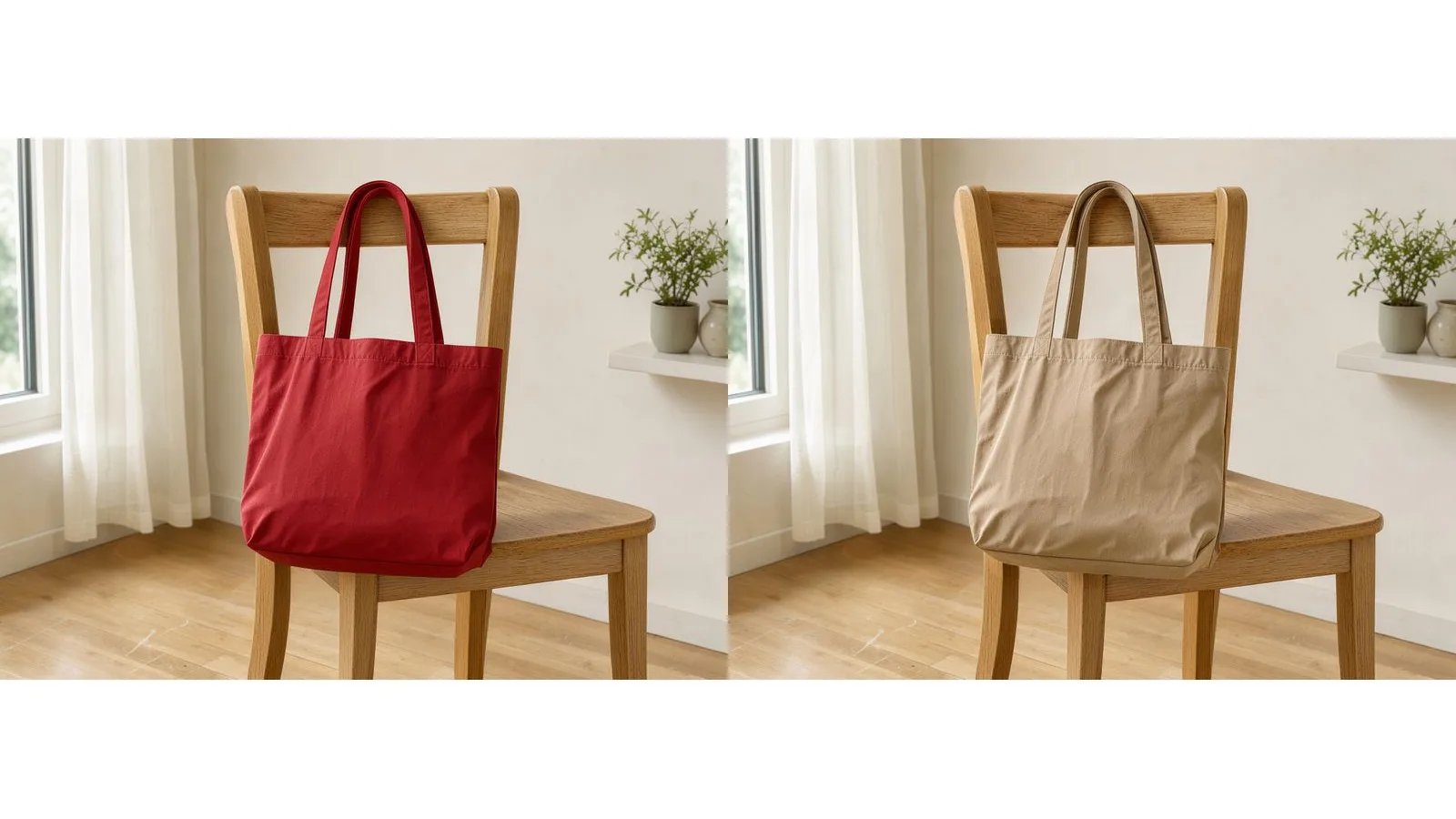
Object Editing & Photo Cleanup
Changing a Product's Color in an Existing Photo: What to Check First
Recoloring a bag, sofa or garment in an existing photo is fast, but color accuracy is easy to lose. What to compare, how light shifts hue, and when to reshoot.
4 min read · November 16, 2026
Read article →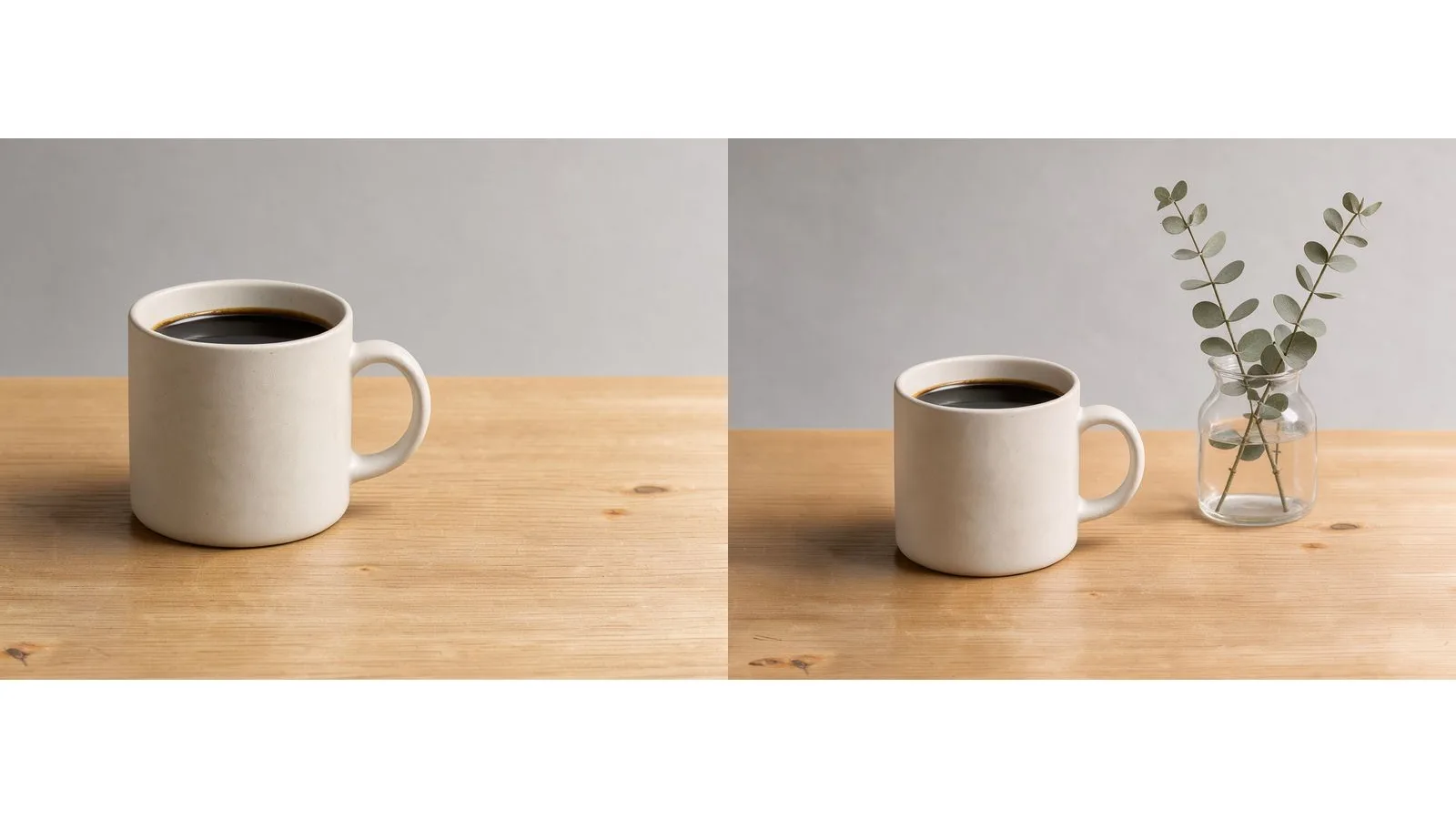
Object Editing & Photo Cleanup
Adding Plants or Props to a Product Photo: When It Helps and When It Misleads
Adding a plant, bowl or styling prop to an existing product photo can improve composition — or imply something the buyer does not receive. Check this first.
4 min read · November 16, 2026
Read article →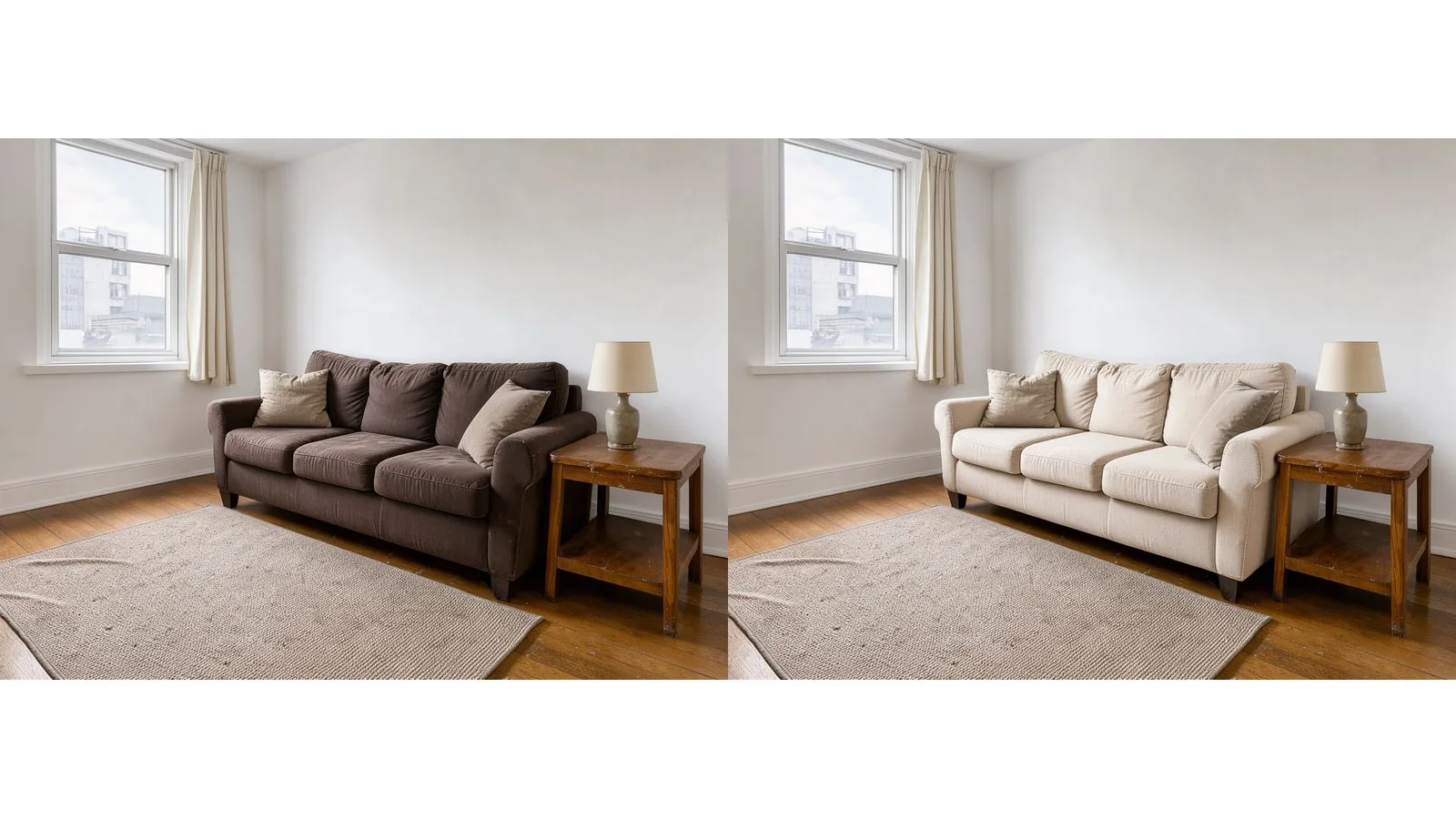
Object Editing & Photo Cleanup
Replacing a Worn Sofa in a Resale Listing Photo: What Buyers Notice
Can you swap a worn sofa in a resale listing photo? What an AI replacement can fix, what buyers still notice, and when a new photo is the fairer choice.
4 min read · November 16, 2026
Read article →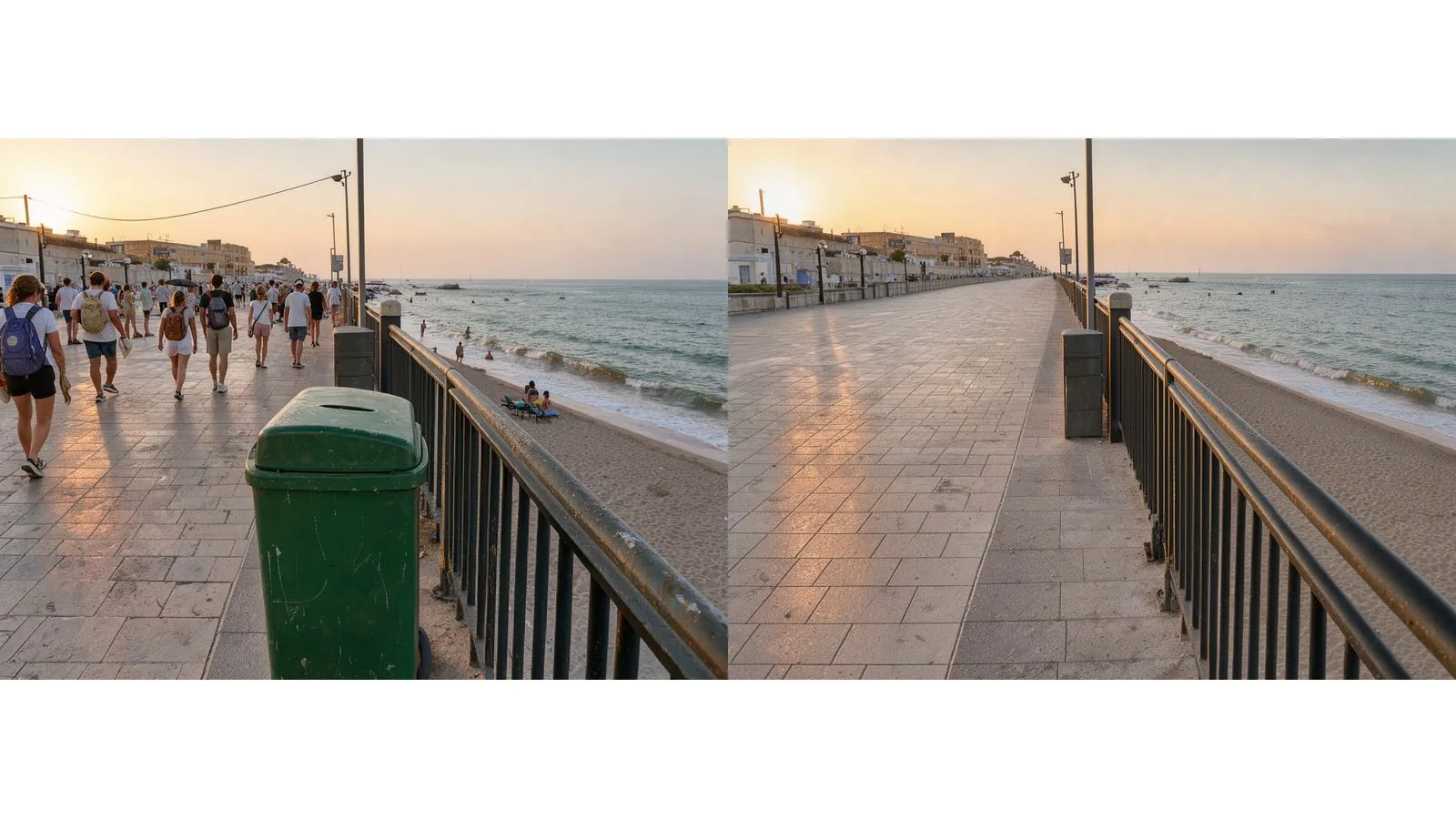
Object Editing & Photo Cleanup
How to Remove Strangers, Bins and Cables from Travel Photos
A practical guide to removing people, bins and overhead cables from travel photos: what rebuilds cleanly, what to inspect, and when to keep the original frame.
4 min read · November 16, 2026
Read article →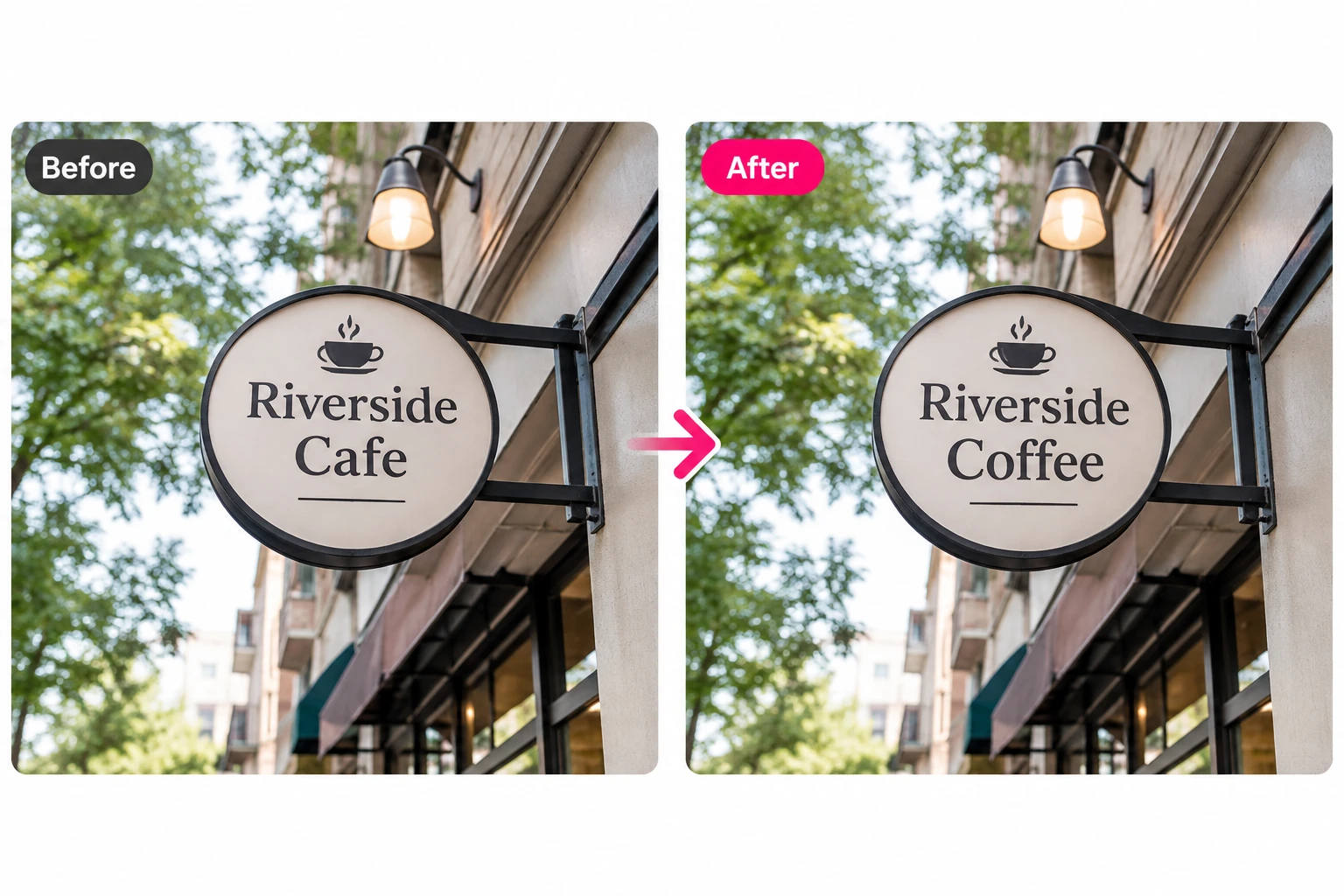
Edit Text in Images
How to Edit Text in a JPG Without the Original Design File
Need to edit text in a JPG or PNG but only have the flattened image? Learn why image text is hard to change, which method to use, and how to check the result.
5 min read · November 12, 2026
Read article →
Remove Text
How to Remove a Date Stamp or Caption from a Photo
Learn how to remove a camera date stamp, caption, or text overlay from a photo. See which backgrounds are easier to repair and what to inspect before saving.
4 min read · November 11, 2026
Read article →
Add Text to Photos
How to Add Text to a Photo and Keep It Readable
Learn where to place text on a photo, how to choose readable colors and sizes, and how to add a short headline or caption without overwhelming the image.
4 min read · November 10, 2026
Read article →
Screenshot Editing
How to Update Text in App Screenshots for Tutorials and Product Docs
Learn how to update outdated labels, names, and instructions in software screenshots. Follow a careful workflow for tutorials, mockups, and product documentation.
4 min read · November 9, 2026
Read article →
Product Images & Menus
How to Update Prices in Product Photos and Menu Images
Need to change a price in an existing product image or menu graphic? Learn how to update the wording, preserve the layout, and check every number before publishing.
4 min read · November 8, 2026
Read article →
No articles match that search. Try a different word or browse all articles.
Have an image that needs a quick fix?
Upload the image, describe the change, and review the result.
Open PhotoTextFix Editor