

What usually removes cleanly
Removal quality depends less on the object than on what is behind it. A simple surface that repeats across the frame is easy to rebuild; a one-off pattern or an overlapping person is not.
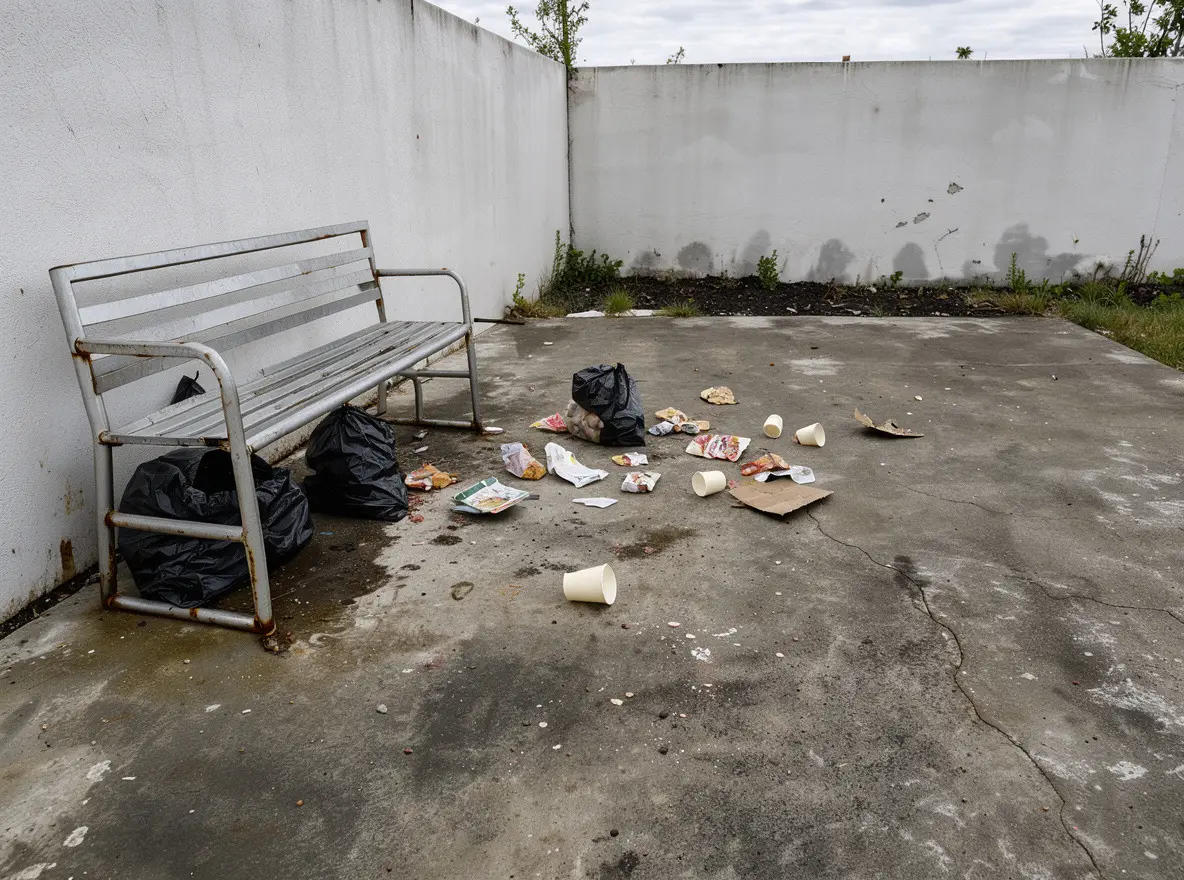
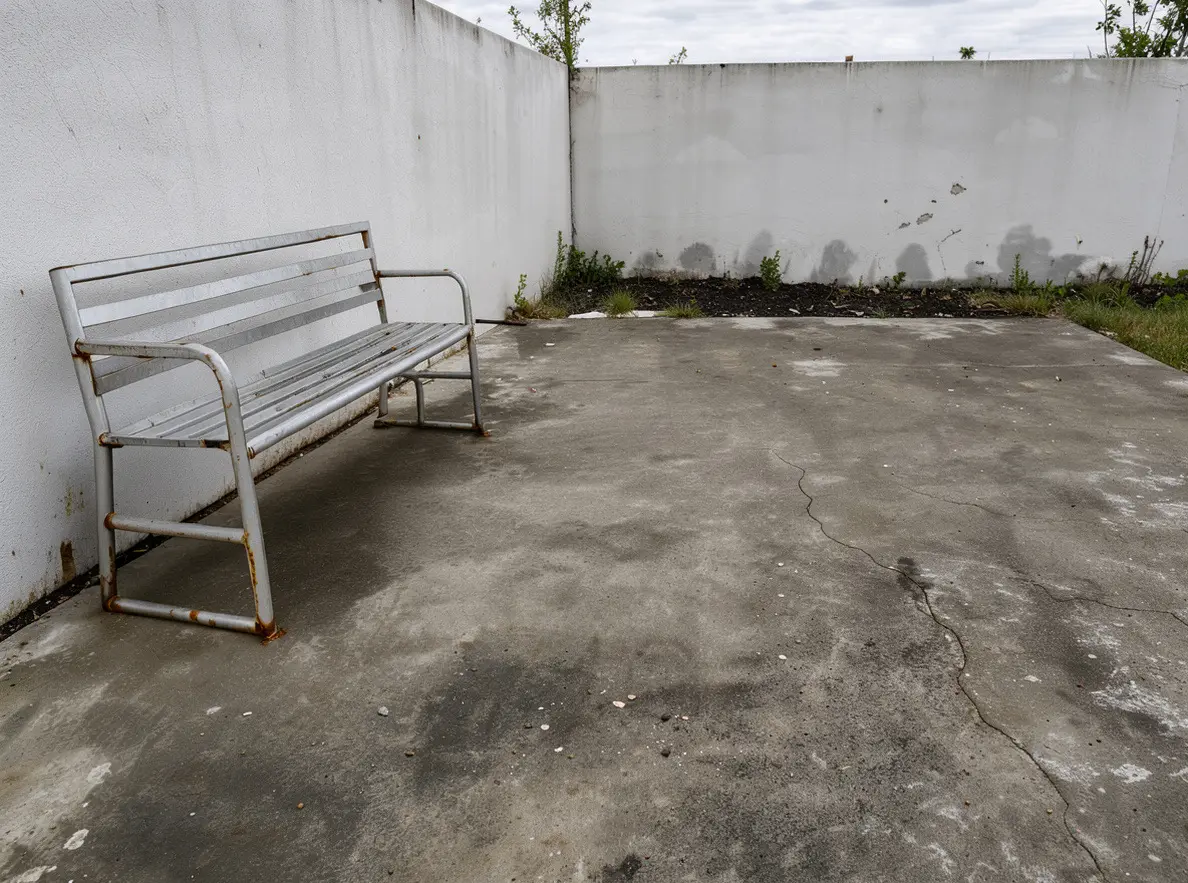
Litter and small clutter
Cups, wrappers, bags and leaves on a flat surface usually disappear cleanly because the ground behind them repeats.
Wires and cables
Thin lines across sky or walls are a common request. Check that the sky or wall texture continues without a faint streak.
Background people
Distant figures are easier than a person filling the frame. Overlapping bodies, hair and hands near edges are the hard cases.
Objects on plain backgrounds
A bin on a beach, a sign on a blank wall: the model only has to rebuild a simple surface, which is the most reliable kind of removal.
Working through one photo
- 1
Upload a photo you have the right to edit
The editor works on a copy. Keep the original file so you can compare before and after at full size.
- 2
Point at the object, then describe it
Mark the area when the scene has several similar objects. Add a sentence for anything the preset would miss, such as “including the bag’s shadow on the step”.
- 3
Check the rebuilt area at 100%
Zoom in on the edges. Look for leftover fragments, a repeated texture, a floating shadow or a line that no longer meets its neighbour.
Before

After

Distant figures on sand: the shoreline and footprints stay, the people do not.
Three presets for the usual jobs
Instead of writing a long prompt, choose a scene and the editor sends a fuller instruction to the model. You can still add details of your own.
People
Clear passers-by, background figures and distant crowds, including their reflections and shadows.
Wires
Power lines, cables, ropes and connectors, including thin wires that enter from the frame edge.
Clutter
Plastic bags, wrappers, bottles, cans, cups, paper, leaves and small debris on the ground.
Where removal still breaks
Hard cases
- Fine hair, fingers or thin straps against a busy background.
- Objects that overlap printed text or a face you need to keep.
- Repeating patterns that must line up exactly across the filled area.
Before you publish
- Compare the whole frame, not just the edited patch.
- Check reflections, shadows and perspective lines nearby.
- Keep a record of the original in case you need to redo the edit.
Questions about removal
Can I remove a person from a photo?
Usually yes, especially when the person is small or stands against a simple background. A person who fills a large part of the frame, overlaps another person, or has fine hair over a busy background is harder, so inspect the result at full size.
Do I have to select the object before removing it?
No. You can describe what should go, or mark the area in the editor. Marking is useful when the photo contains several similar objects and you only want one of them removed.
Does removing an object change the rest of the photo?
The instruction asks the model to keep everything else unchanged, but generated pixels are always rebuilt rather than recovered. Compare other objects, straight edges, text and shadows before you use the image.
What happens behind the removed object?
The model invents a plausible background from the surrounding pixels. It cannot recover a detail that was never photographed, so a wall pattern or a repeating texture may not line up perfectly.
Can I remove text or a watermark this way?
This tool is built for objects. Printed words and watermarks are better handled by the text tools, which keep the surrounding typography and background more predictable.
Try it on the photo that has been waiting
Upload, mark the object, and check the rebuilt area before downloading. No retouching skill required, and the original stays untouched.
Open the remove tool