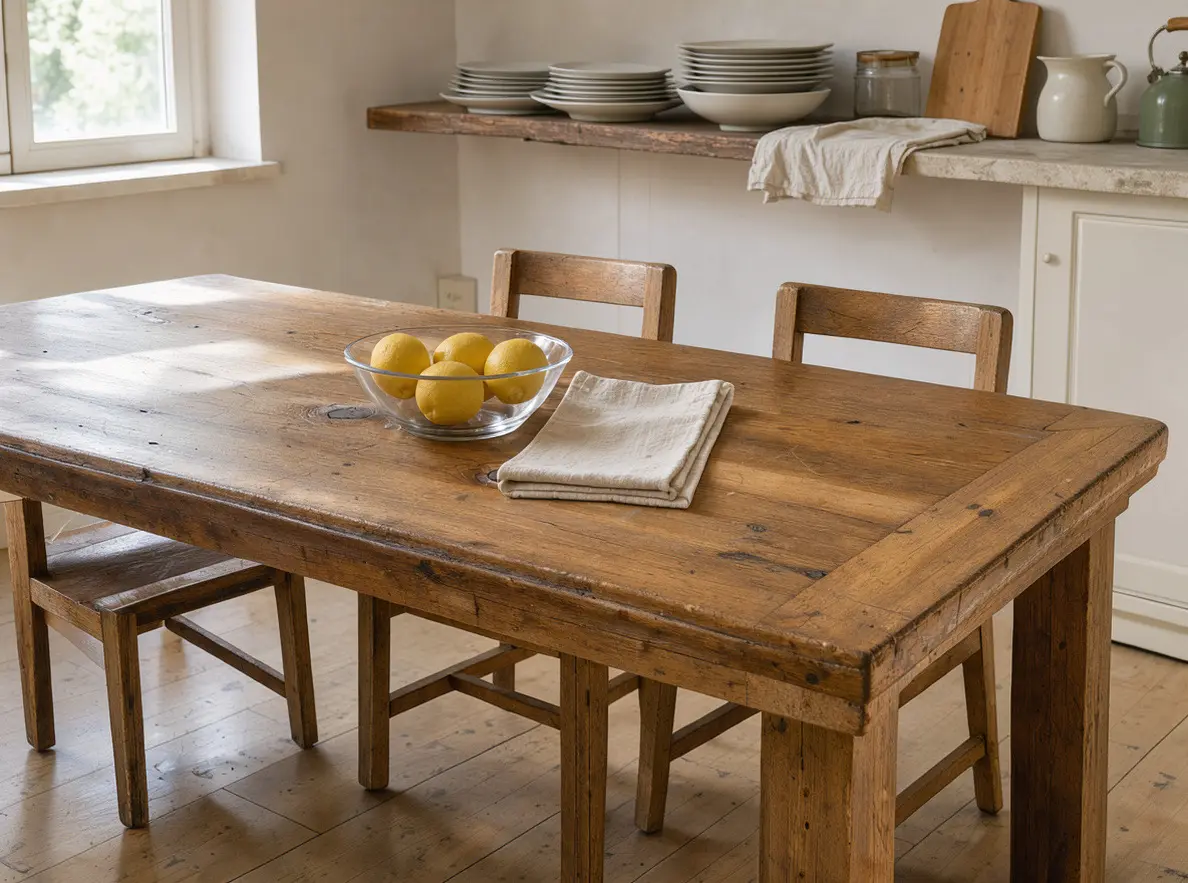
Food & table
Props that make an empty table read as styled
Bowls, glasses, napkins and cutlery. State the material and the position so the model does not invent a different table setting.


A plant for an empty corner, a prop for a product shot, a bowl on a bare table. Describe what to add and where it belongs; the scene around it should stay as it was.
Example images below were generated with FLUX. Results vary by photo.
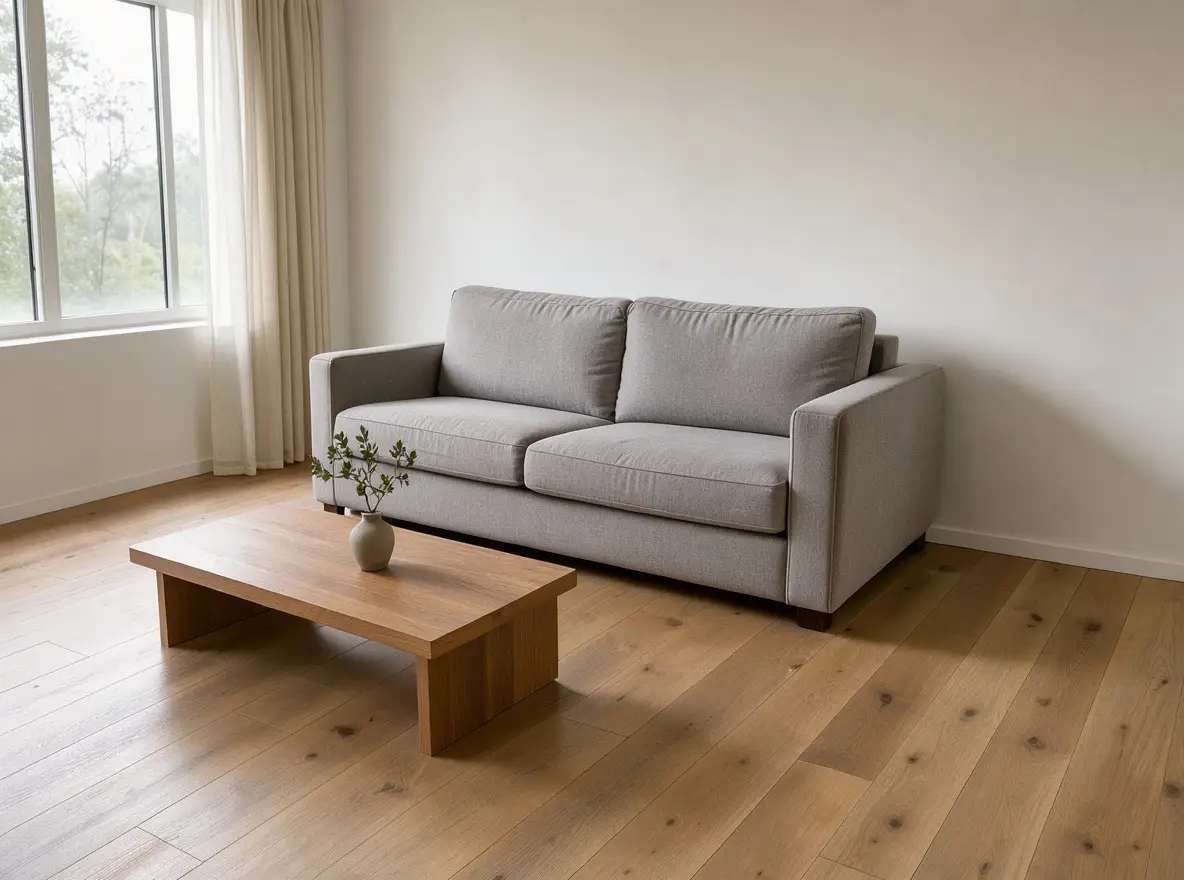
Before
The common requests are small, physical and placed on a surface. That is also where the model is most convincing.
Food & table
Bowls, glasses, napkins and cutlery. State the material and the position so the model does not invent a different table setting.
Interiors
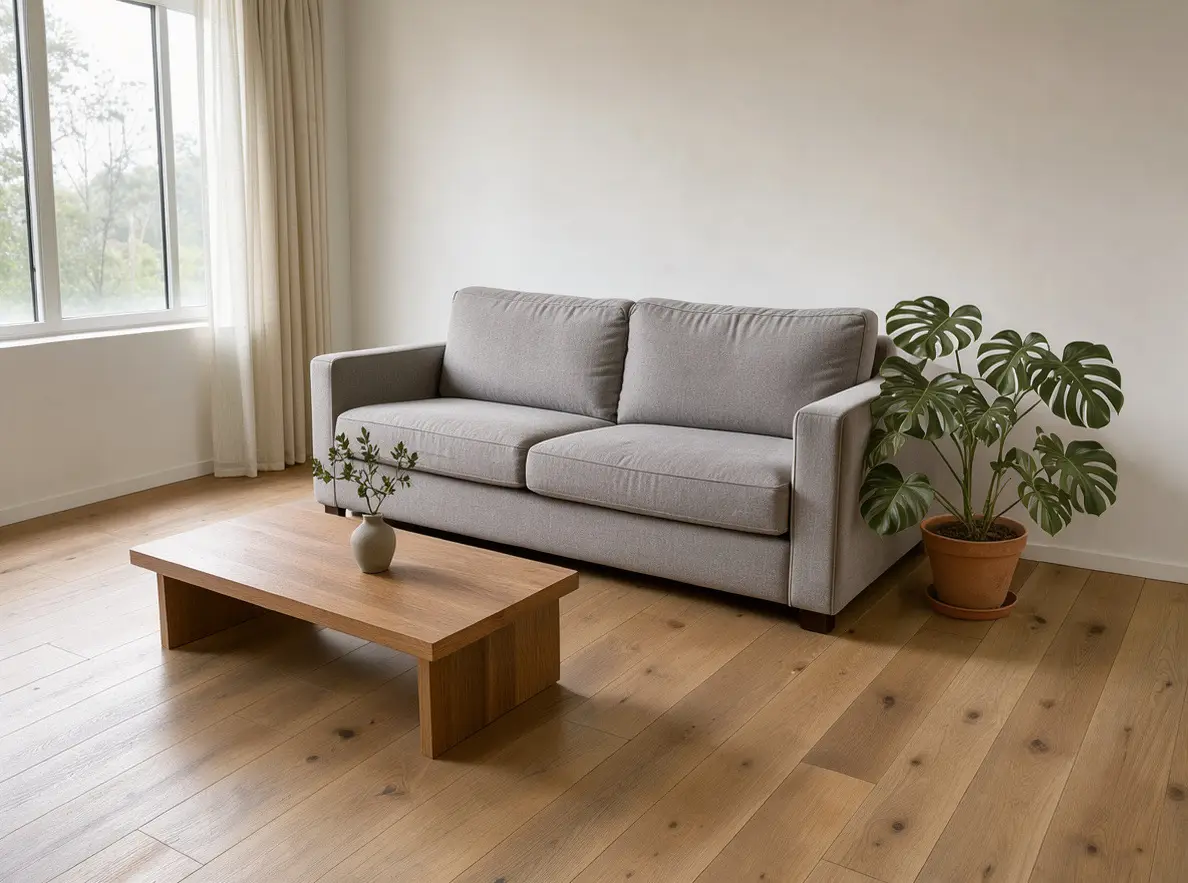
Empty corners are the easiest place to start. Mention the floor and the light direction so the new object sits in the room.
Product shots
A tripod, a box, a cloth. Add secondary items only; a generated version of the product itself will not match the real thing.
Seasons & sets
A pumpkin, a string of lights, a stack of books. Keep the addition small relative to the frame and the original scene still reads as the same photo.
The model needs empty space and a surface to stand on. A crowded frame leaves it guessing where the object belongs.
Name the object, its material or colour, and where it goes: “a ceramic vase on the left of the shelf”.
The usual failures are a shadow pointing the wrong way, an object that is slightly too large, or a floating base.
Object, material, position, light. You do not need more words than that, and extra adjectives tend to move the whole scene rather than the new object.
Interior
Add a medium monstera in a terracotta pot beside the sofa, matching the daylight and floor shadow.
Food
Add a glass bowl of lemons and a folded linen napkin on the table, matching the morning light.
Product
Add a matte black tripod on the desk to the right of the laptop, at the same eye level.
You can describe almost anything, but results are steadiest for objects with clear edges and a plausible resting place: plants, furniture, packaging, tableware and props. Objects that must interact with a person’s hands or a specific brand detail are much less predictable.
The instruction asks the model to match light, perspective, scale and shadows, and it often does. It is still generated pixels, so compare the direction of shadows and the sharpness of edges with the rest of the frame.
Say where it belongs in plain language: “on the windowsill, to the left of the plant”. If the result lands in the wrong place, describe the position more precisely rather than repeating the same prompt.
One clear object per request is easier to review. Adding a group in a single sentence can work, but the model may merge, drop or resize items, which makes the result harder to judge.
The rest of the image is supposed to stay as it was, and the tool instructs the model accordingly. Generated output is still a new file: keep the original and check any area that matters for your use.
Describe the object and where it belongs, then check its shadow and edges against the rest of the scene.
Open the add toolPhotoTextFix covers two jobs on the same image: editing the text inside it, and editing the objects around that text. Object results are generated by an image model, so check the whole frame — not just the part you changed — before you use it.