

AI Virtual Staging for Rental Listings: Where It Helps and Where It Misleads
Virtual staging can help renters read an empty room, but it can also imply furniture, views or space that are not there. A disclosure-first checklist.
PhotoTextFix Editorial Team · Published November 16, 2026 · 4 min read
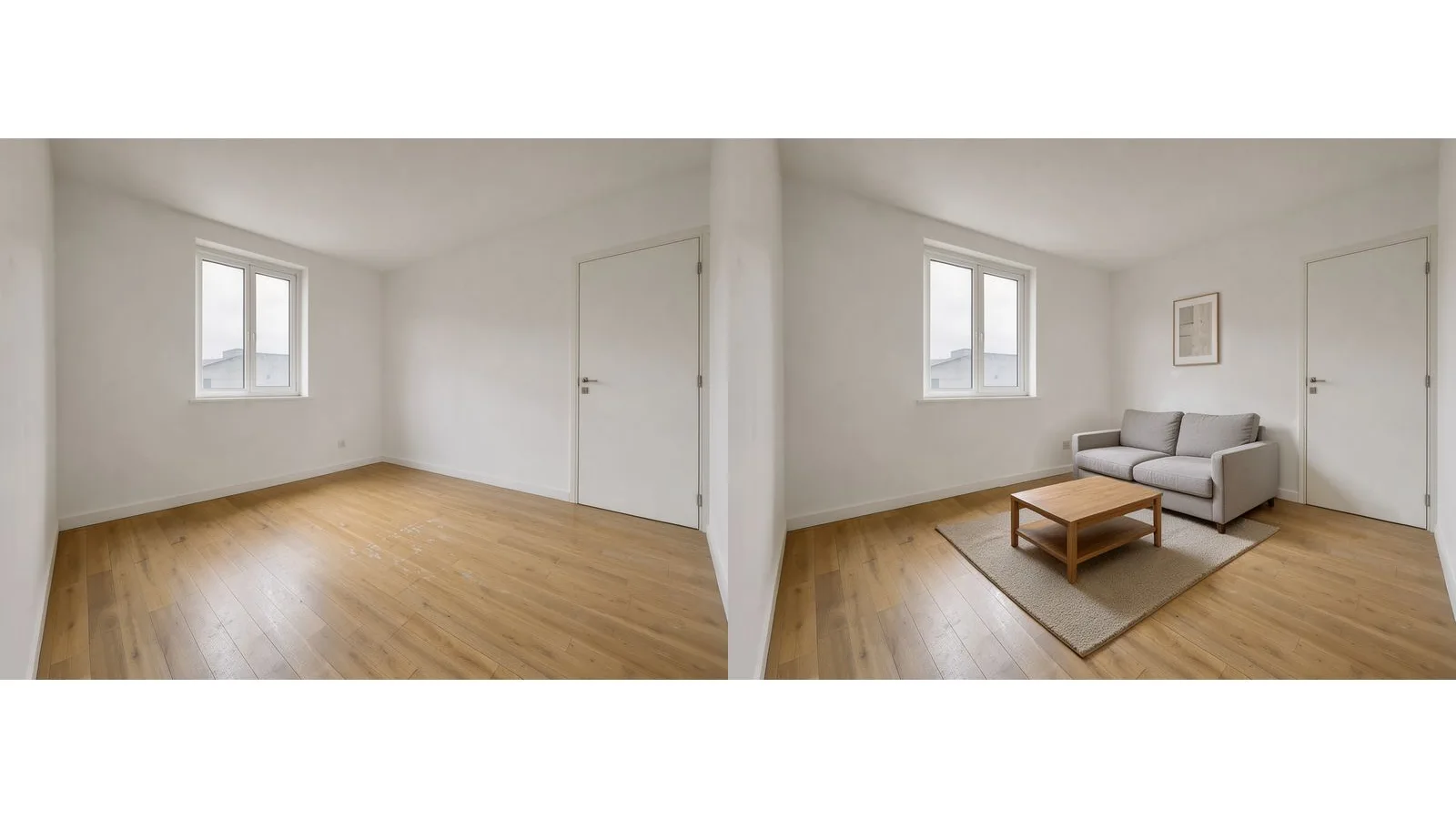
An empty room is hard to read
Photos of empty flats are honest and often unhelpful. A renter sees white walls, a floor and a window, but cannot judge whether a sofa fits, where a desk would go, or how the light falls in the evening. The room feels smaller and more generic than it is.
Virtual staging solves that readability problem: furniture is added to the photo so the space can be understood. The risk is equally simple. A staged image can imply that furniture is included, that a window looks onto something it does not, or that a room is larger than its measurements.
Whether staging helps or misleads depends almost entirely on how it is labeled and what it adds.
What virtual staging is good for
- Showing how a standard sofa and coffee table would fit in a room.
- Making a floor plan legible, especially in small flats.
- Giving an empty new-build a sense of scale and use.
- Helping a renter compare two similar units with different layouts.
In each case, the furniture is a measuring aid. The listing should make clear that the furniture is illustrative and not part of the rental.
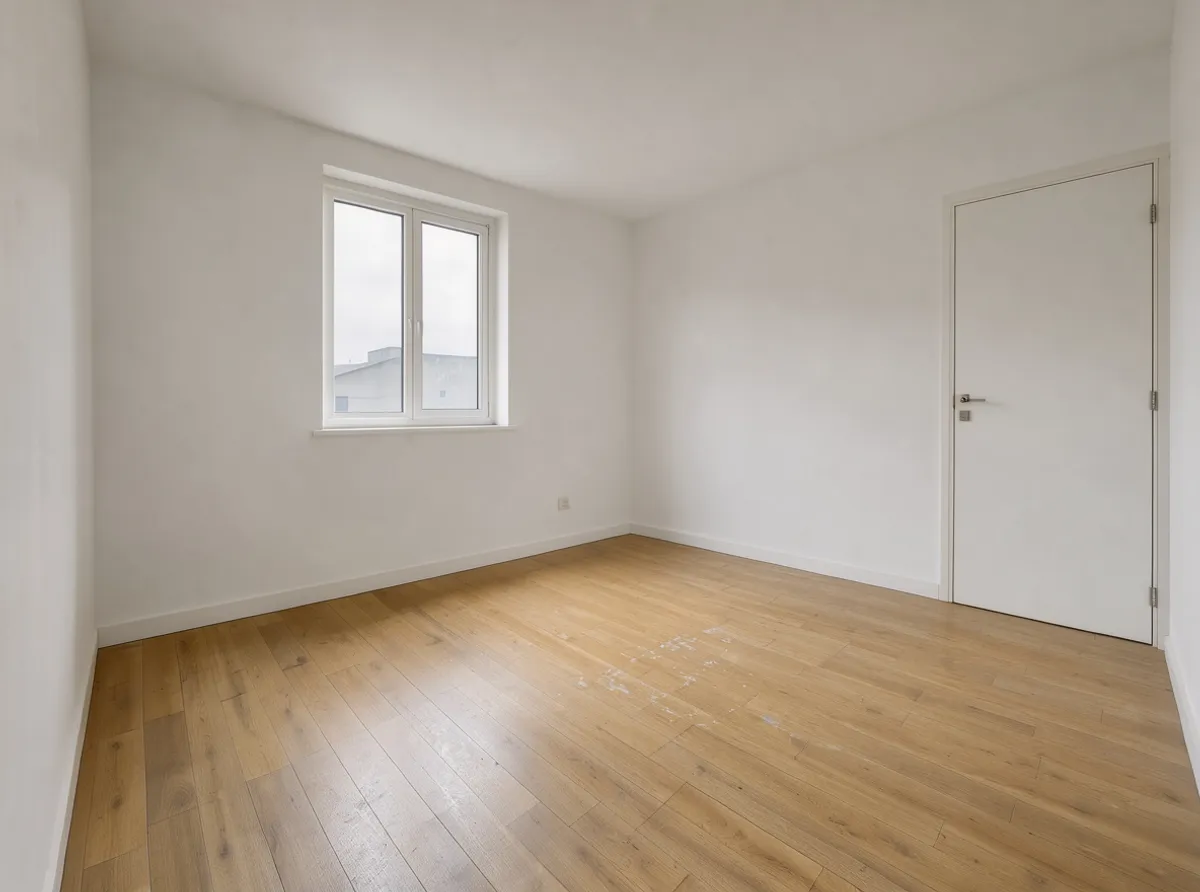
Before. The room is accurate but gives little sense of how it could be used.
What it must never imply
Staging becomes misleading when it changes a fact about the property:
- Included furniture. If the flat is unfurnished, staged furniture must be labeled, not quietly mixed into the listing gallery.
- Room size. Furniture scaled too small makes a room look bigger. Keep standard dimensions: a two-seat sofa is roughly 1.5–1.8 m wide, a coffee table around 1 m.
- The view. Never add a window view, a balcony or a landscape that is not there.
- Fixtures. Do not stage in built-in wardrobes, kitchen units, radiators or air conditioning that the flat does not have.
- Condition. Staging must not hide damage, damp or an unfinished surface.
If a renter would need to un-learn something after viewing the flat, the image has done harm.
A staging checklist
1. Start from an accurate empty photo
The empty-room photo is the evidence. Keep it in the listing, usually first. The staged version is an interpretation of that photo, not a replacement for it.
2. Use standard-size furniture
Choose pieces with familiar dimensions and keep them against real walls, not floating in the middle of the floor. Scale is the most common staging error and the easiest to check with a tape measure.
3. Match the existing light
Add furniture whose shadows agree with the window direction and the time of day in the original photo. A sofa lit from the wrong side reads as a collage.
Add a light gray two-seat sofa against the wall, a small oak coffee table in front of it, a neutral area rug and a simple framed print above the sofa. Match the window light, perspective, scale and shadows. Keep the walls, floor and window unchanged.
The same instruction works for any added object in a listing photo: size first, light second, everything else untouched.
4. Label every staged image
A visible caption is better than a footnote. “Virtually staged — furniture not included” is short, clear and hard to miss. Keep the same wording across the listing so the gallery does not mix labeled and unlabeled versions.
5. Keep the files separate
Store the empty original, the staged version and a note describing what was added. If the listing changes — the flat gets furnished, the price changes, a room is repainted — the right file can be found without guesswork.
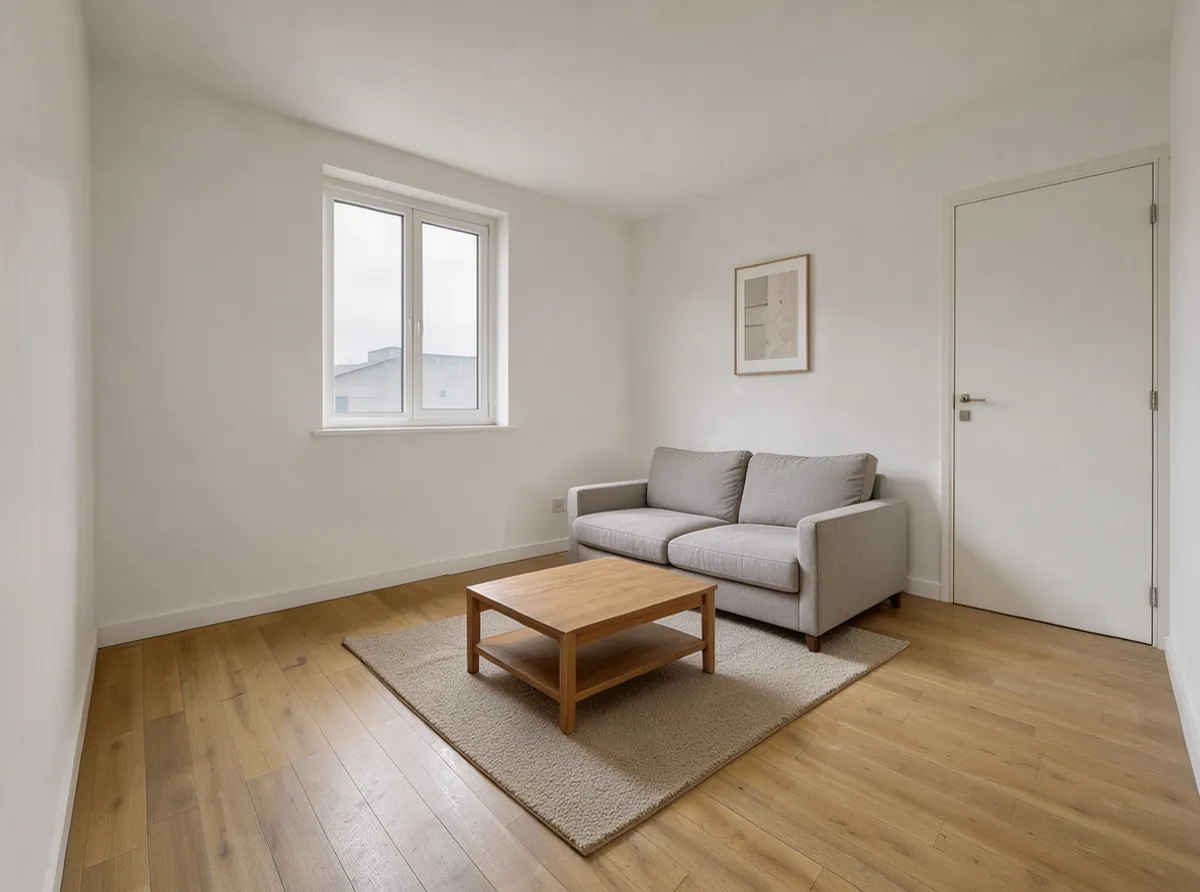
After. Furniture is added for scale; the walls, floor and window are unchanged.
Platform and local rules
Listing platforms and local advertising rules differ on virtual staging. Some require a label, some limit its use, and some treat it as misleading if the furniture is not included. Check the current policy for the platform you use and the rules that apply where the property is located. This is a compliance question, not a design preference, and it is not something an editing tool can answer for you.
When an empty photo is better
Skip staging when:
- The flat is being rented furnished, and the actual furniture must be shown.
- The room is unusual in a way that staged furniture would hide — a sloped ceiling, an awkward corner, a low beam.
- The listing is for a short-term rental where the photos are expected to match the exact setup.
- The platform does not allow staged images, or the audience is likely to feel misled.
An honest empty photo with a floor plan and clear measurements often answers a renter’s real question better than a generated sofa.
The test to apply
Show the staged image and the empty image side by side to someone who has not seen the flat. Ask what they believe is included and how big the room is. If their answers match the listing facts, the staging is doing its job. If not, the image needs a label, a correction, or to be dropped.
The add objects tool can place furniture into an empty room photo. The editing is the easy part; the disclosure and the measurements are what keep the listing trustworthy.
Try it on your own photo
Upload a photo, make the change, and compare the result before you publish.
About the author
Written and maintained by the PhotoTextFix Editorial Team. Each workflow is checked against the current version of PhotoTextFix before we link to it.