

Replacing a Worn Sofa in a Resale Listing Photo: What Buyers Notice
Can you swap a worn sofa in a resale listing photo? What an AI replacement can fix, what buyers still notice, and when a new photo is the fairer choice.
PhotoTextFix Editorial Team · Published November 16, 2026 · 4 min read
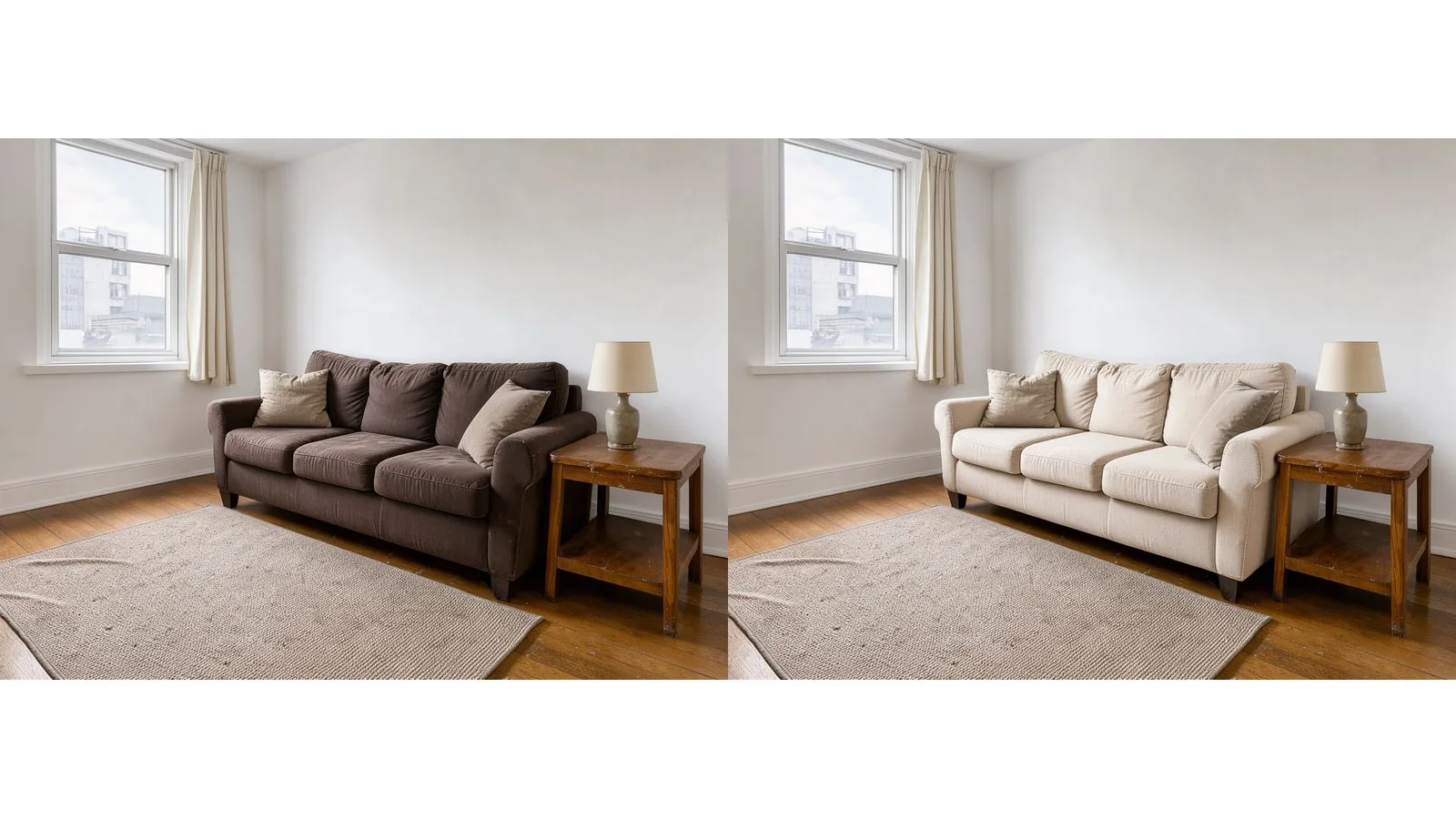
The photo is ready except for one piece of furniture
You are selling a sofa, renting out a flat, or preparing a listing for a second-hand marketplace. The room photographs well, but the old armchair in the corner looks tired. Replacing it digitally seems like a small fix: same position, same size, newer fabric.
It can be a small fix. It can also become a misleading listing, depending on what you change and how you describe it. The useful question is not “can the tool replace this object?” but “what is the buyer actually buying, and does the photo still support that?”
What a replacement can and cannot fix
A replacement keeps the room geometry and swaps the object inside it. That makes it good for:
- Removing visual noise from a property listing, such as a mismatched chair in an otherwise neutral room.
- Testing how a different color or style would look before buying or moving furniture.
- Producing a cleaner thumbnail for a rental ad where the furniture is not included anyway.
It cannot fix the room itself. If the wall has a crack, the floor is damaged, or the window looks onto a building site, those details remain. It also cannot tell a buyer what the actual sofa is like. The generated pixels are an approximation of a sofa, not a photo of the item for sale.
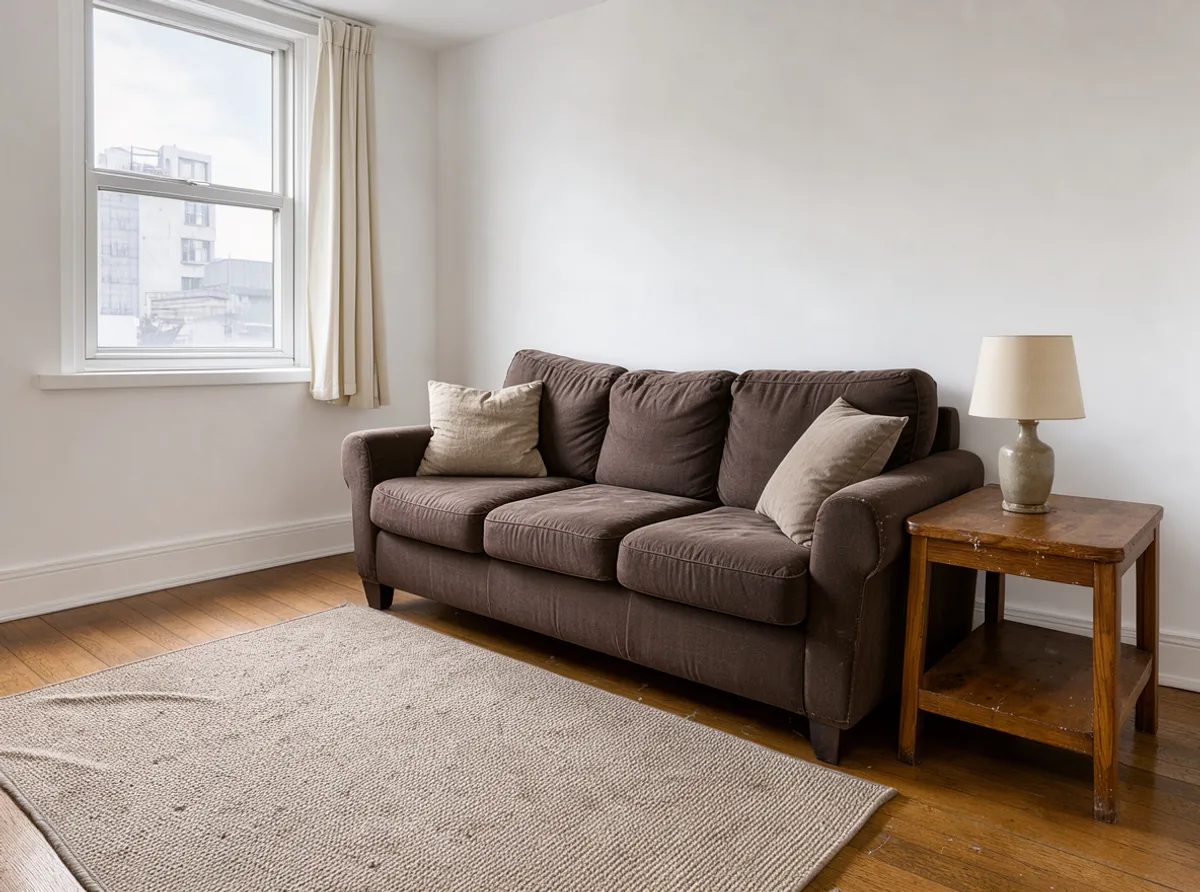
Before. The room is fine; the sofa is the reason the photo looks dated.
The details buyers zoom in on
Buyers of second-hand furniture look at exactly the parts a replacement tends to flatten:
- Cushion shape. Real sofas have slightly uneven filling. A perfectly smooth seat reads as a rendering.
- Fabric texture. Woven cloth has directional texture and small irregularities; generated fabric often looks uniform.
- Contact and cast shadows. The sofa meets the rug along a soft, uneven line. A hard or missing shadow makes the object look placed rather than sitting there.
- Legs and floor contact. Legs should sit at the same floor level as the original, with the same perspective.
- Surrounding reflections. Glossy floors and low tables may carry a faint reflection of the original piece.
If you are selling the sofa itself, none of this matters, because the photo should show the real item. If you are selling the room or the space, a replaced object is only acceptable when it is clearly not part of the offer.
A replacement workflow that stays honest
1. Decide what the photo is for
Listings fall into three rough groups: the furniture is included, the furniture is staying but not part of the price, or the room is empty and the image is illustrative. Write down which one applies before you edit.
2. Keep the geometry locked
Describe the replacement in terms of the existing object’s size, position and orientation. Asking for a “nicer sofa” invites the model to move the furniture and change the room.
Replace the worn dark brown sofa with a clean light beige fabric sofa of the same size, position and orientation. Keep the rug, side table, wall, floor, window light, shadows and framing unchanged.
3. Change one object per pass
Replacing a sofa and a lamp together makes it harder to see which change introduced a perspective error. One object, one check. The replace an object in a photo workflow keeps the room fixed while you swap a single piece.
4. Compare edges, not the center
The middle of a sofa is easy. The interesting parts are the armrest against the wall, the legs against the floor, and the backrest against the window light. View those areas at 100% zoom.
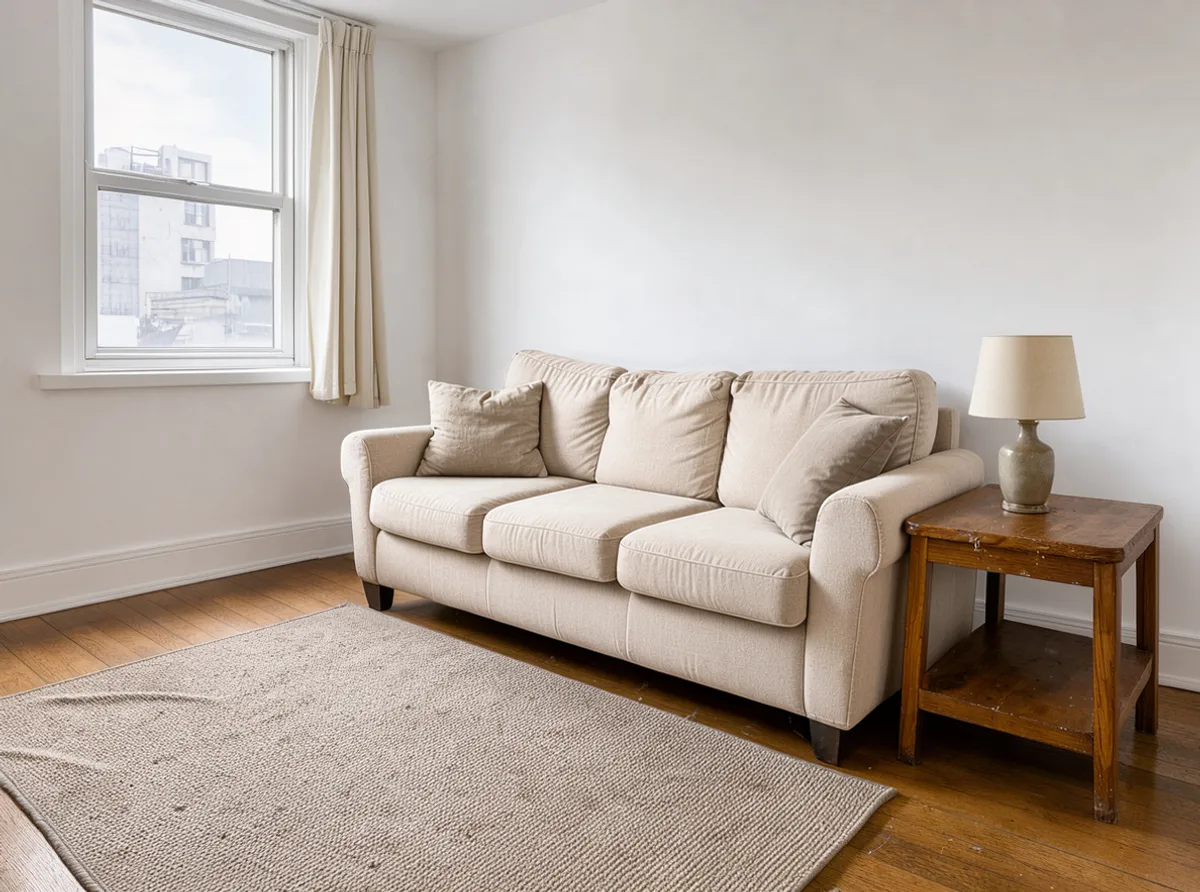
After. The replacement keeps the room, rug and lighting; the fabric is generated, not the real item.
When a new photo is the better answer
Take a fresh photo instead of editing when:
- The item being sold is the furniture itself.
- The replacement hides wear, damage or a defect that a buyer would consider material.
- The listing platform requires photos of the actual condition.
- The room’s selling point is the view, the light or the finish, and a generated object distracts from it.
In those cases, moving the old chair out of frame for a moment is faster than repairing pixels, and nobody has to wonder what was edited.
Label edited images
Where the room is being sold rather than the furniture, a short note such as “furniture shown for illustration; not included” removes most of the ambiguity. Some marketplaces have their own rules about edited images, so check the listing policy before publishing.
The object replacement tool is built for this kind of targeted swap: one object, same position, everything else preserved. Use it when the image supports the description, not to make the description sound better than the property.
Try it on your own photo
Upload a photo, make the change, and compare the result before you publish.
About the author
Written and maintained by the PhotoTextFix Editorial Team. Each workflow is checked against the current version of PhotoTextFix before we link to it.